
Limits
What the map does not do
The map is a picture of the surface seen from above, and it draws the Overworld and the Nether. It cannot open chests, show inventories or change anything in the game.
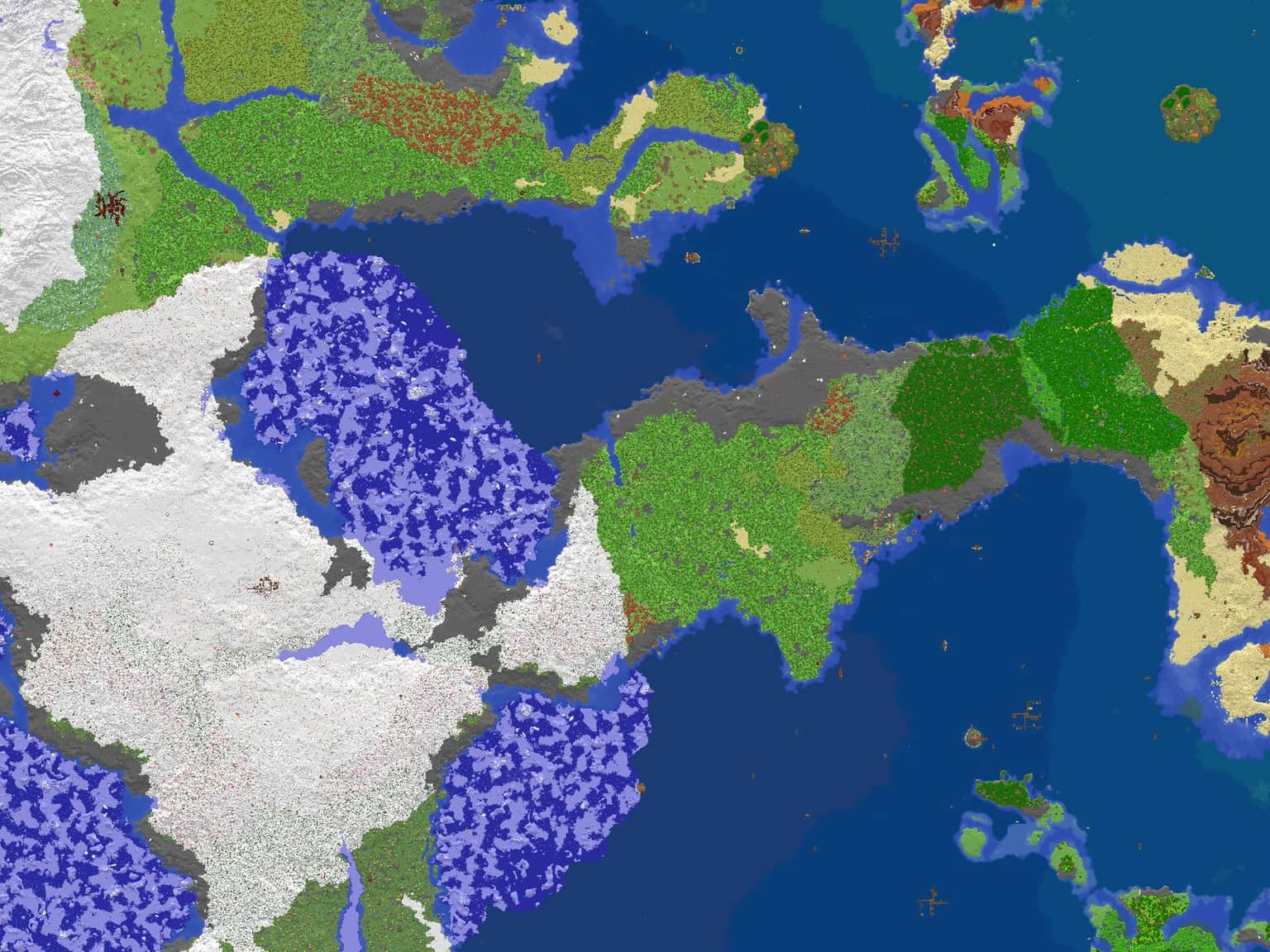
The live map at map.marketsunday.com shows Omeyocan, Sunday Market's survival world, from directly above. It runs in any browser with no account and no mod, so you can look over the land before you ever log in.
Preview
This is a snapshot of the live map from September 2026: the land around spawn, 4,096 blocks from west to east, with spawn at the centre.
On the live map you can zoom out to the whole overworld or in to single blocks, and switch to the Nether.
Using the map
Limits
The map is a picture of the surface seen from above, and it draws the Overworld and the Nether. It cannot open chests, show inventories or change anything in the game.
From map to base
Walk there in game, build, and place a Ward, the claim block that stops other players breaking or building inside your area. The first-day guide calls a walk of 200 to 500 blocks from spawn normal, and farther out the land is quieter.
Join
Server address
Default port, no need to type it